
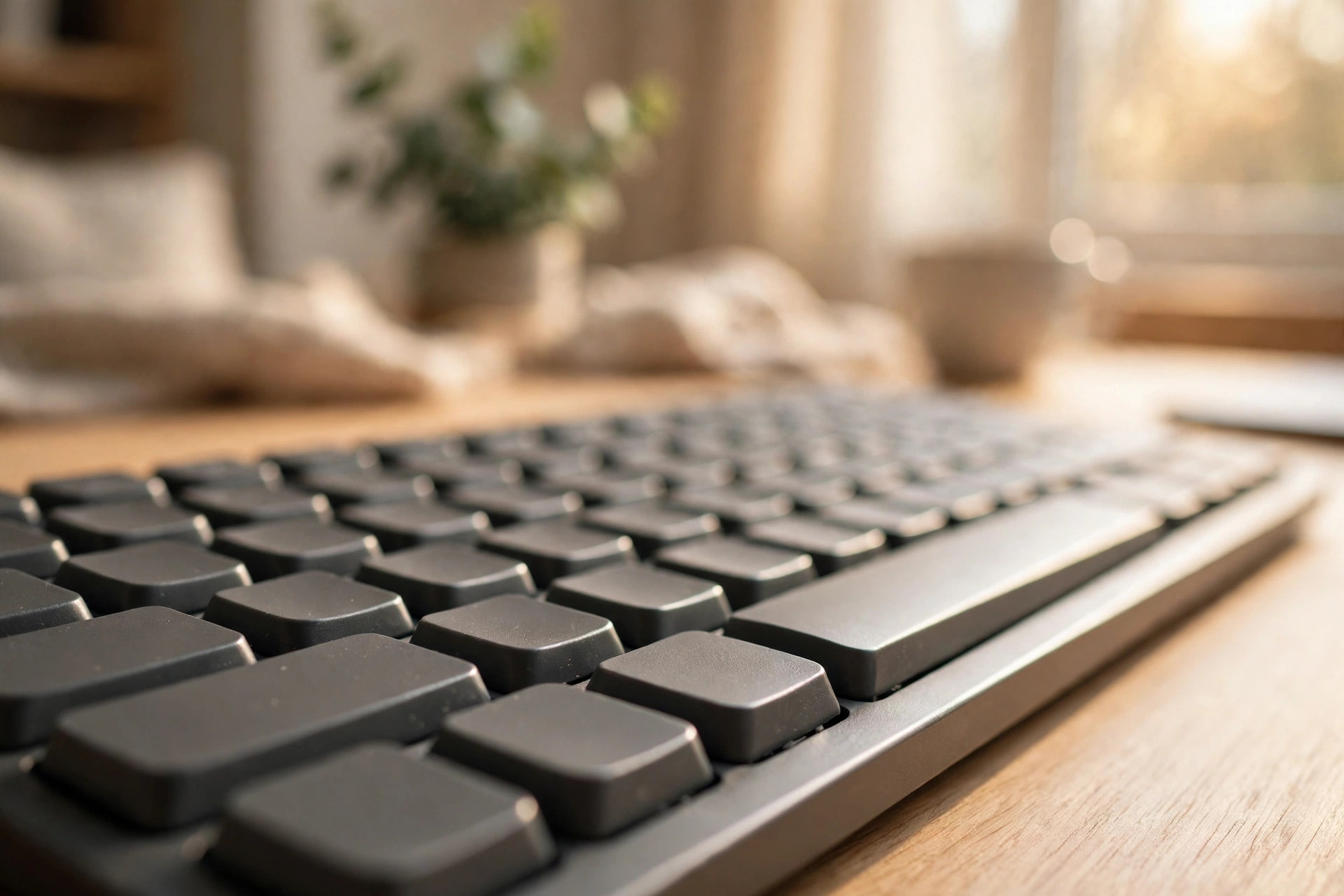
If you typed “kibard” into a search box, you probably already know what you meant. In almost every case, kibard is simply “keyboard” spelled wrong. It is not a dictionary word, it is not the name of a product you can buy, and it is not a piece of technology with its own history. It is a typo — and a very common one. Keyboard is an awkward word to type, and the people who land on this spelling are usually typing fast, typing on a phone, or writing in a language that is not their first. Let us clear up the confusion first, and then get to the thing you actually came here for: the keyboard itself, the kinds you can buy, and how to pick one that suits you.
Kibard Is Not a Real Word
That sounds blunt, but it is the honest starting point. A search of Merriam-Webster for “kibard” returns no entry at all — only near-misses like kibar, kibitzer, kibosh, and kibbutz. None of those is a keyboard. Dictionaries do not list kibard because it has never been a standard English word: it has no definition and no recorded use as the name of a device.
The same is true of products. There is no keyboard brand, software company, or technology called kibard. Search for it hoping to find a device to buy, and you will find pages that repeat the word back at you without ever saying who makes it, where it is sold, or what it costs. That silence is a clue. Real products leave a trail: a website, a manual, a price, a shop listing. Kibard leaves none of that.
| Kibard | Keyboard |
|---|---|
| Not a dictionary word | A standard English word with a clear definition |
| No known manufacturer or product | Made by hundreds of companies, sold everywhere |
| No official definition or history | A device with a history going back to typewriters |
| Appears mainly as a search typo | The word people actually mean when they type “kibard” |
| No price, no model, no specifications | Comes in many types and sizes |
One more word is worth untangling. KIBRA is a real thing — a protein found in the kidney and the brain, also known by its gene name WWC1, studied in connection with memory and brain health. It has nothing to do with keyboards or typing.
Why So Many People Type “Kibard”
Fast typing drops letters. The middle of keyboard — the “eybo” stretch — asks your fingers to move between rows quickly. Typing fast, with your mind on what you want to say rather than the keys, letters get skipped. The “o” is a common casualty: drop it, and “eyb” and “ard” run together into kibard.
Phonetic spelling. English spelling is famously irregular. The “ey” in the middle is pronounced more like a short “i” in fast speech — “kee-bord” — so if you spell the word the way it sounds, “kibard” is a reasonable guess. This is especially common among people who speak English as a second language, including many speakers across South Asia.
Voice-to-text and autocorrect. Say “keyboard” quickly into a phone and the software has to guess. If the “o” is swallowed, or background noise eats a syllable, it may write down something close to what it heard rather than what you meant. On a small touchscreen, a mistimed tap lands on the wrong key, and the result gets sent before anyone notices.
Small screens, big thumbs. Phone keys sit close together, there is no physical feedback under your fingers, and you are often typing one-handed while walking or standing in a queue. Under those conditions, missing a letter is normal, and kibard is close enough to keyboard to slip through unnoticed.
What a Keyboard Actually Is
A keyboard is an input device — a panel of keys you press to send characters, numbers, and commands to a computer, phone, or tablet. Each key stands for a letter, a number, a symbol, or a function, and pressing it sends a signal the device turns into text on a screen or an action in a program. That is the whole job, and it has stayed the same for over a century.
The layout most of the world uses is called QWERTY, after the first six letters on the top row. It was designed for mechanical typewriters, partly to keep the metal typebars from jamming, and it survived the move to computers because everyone had already learned it. Other layouts exist — Dvorak and Colemak are the best known — but QWERTY is still the default.
A standard full-size keyboard has around 104 keys: letter and number keys, function keys along the top, a number pad on the right, and navigation keys — arrows, Home, End, Page Up, Page Down — in between. Smaller keyboards drop the number pad or shrink other sections to save space. Underneath the keys is a mechanism that decides how a key feels, how much force it needs, and how it sounds — and that is what separates one keyboard from another.

The Main Types of Keyboard
Not all keyboards feel the same. The mechanism under the keys — called the switch — decides the feel, the sound, and often the price.
Membrane keyboards
These are the most common keyboards in the world. Under the keys is a soft rubbery sheet, and pressing a key pushes it down until it makes contact and registers the keystroke. They are quiet, cheap, and slim, which is why they show up in offices and schools. The trade-off is feel: the keys can feel soft or mushy, with little feedback about when the key has registered. Fine for everyday typing; tiring over long sessions for some.
Mechanical keyboards
A mechanical keyboard gives every key its own switch — a small mechanism with a spring and a contact point. Pressing the key moves the switch through a distinct point of resistance, and you can feel, and often hear, the moment it activates. Fans say the typing is crisper and easier on the fingers over a long day. They are also louder, heavier, and usually more expensive, and the switches come in varieties: clicky, smooth and quiet, light, or firm.
Scissor-switch keyboards
Open a laptop and you are almost certainly looking at a scissor-switch keyboard. Each key sits on a small folding plastic mechanism shaped like scissors, which keeps the key stable and lets the board stay very thin. They are quieter than most mechanical keyboards and firmer than most membrane ones — the middle ground, and for many people the best balance of feel, noise, and size. The downside is that laptop keyboards are built into the machine, so replacing one is a bigger job.
Virtual and on-screen keyboards
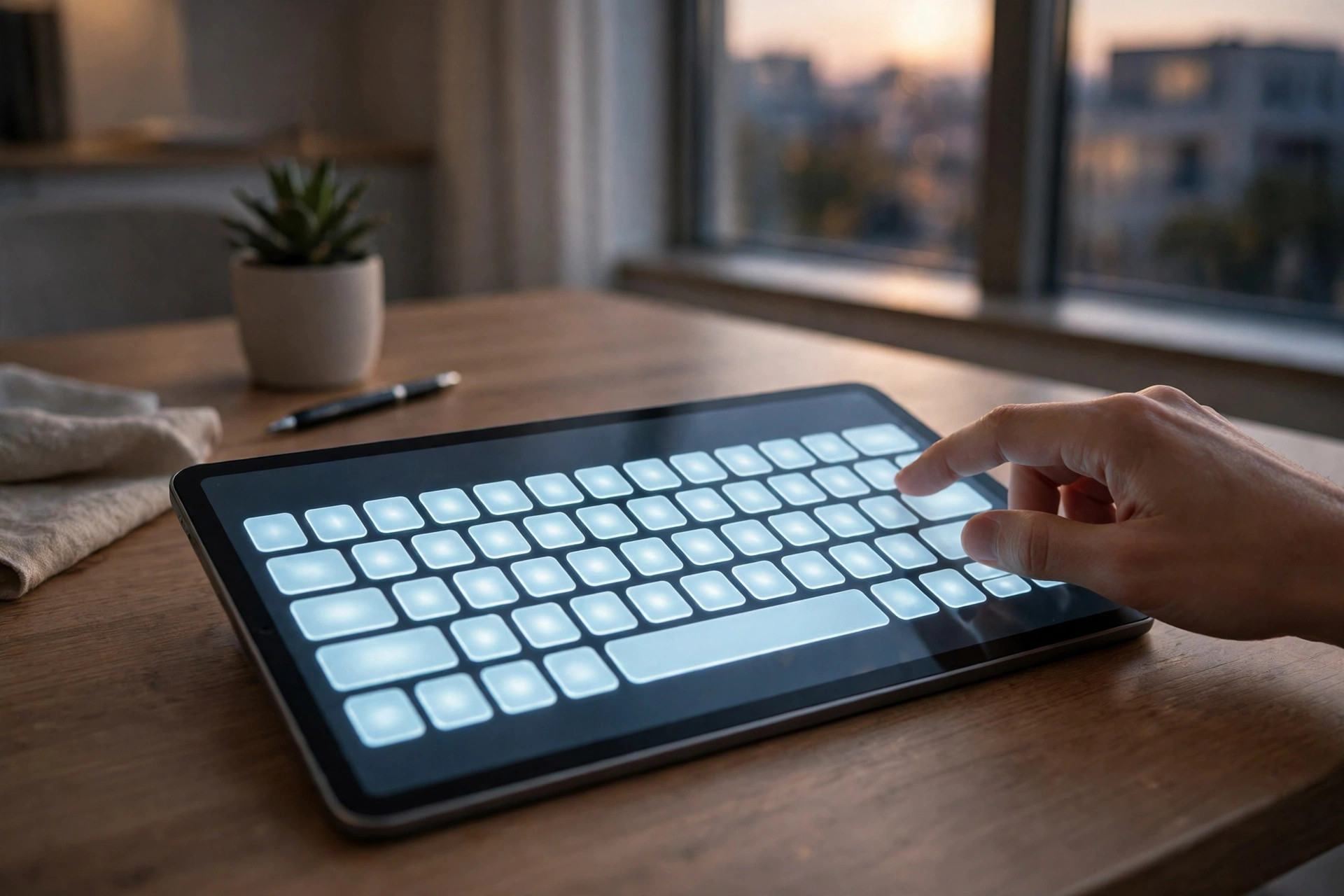
Phones and tablets have no physical keys. A keyboard appears on the screen when you need to type, and you tap the letters on the glass. Virtual keyboards can change layout for different languages, suggest words as you type, and learn your habits. The cost is speed and accuracy: without keys you can feel, your fingers have nothing to find by touch, which is why typing on a phone is slower and more error-prone.
Ergonomic keyboards
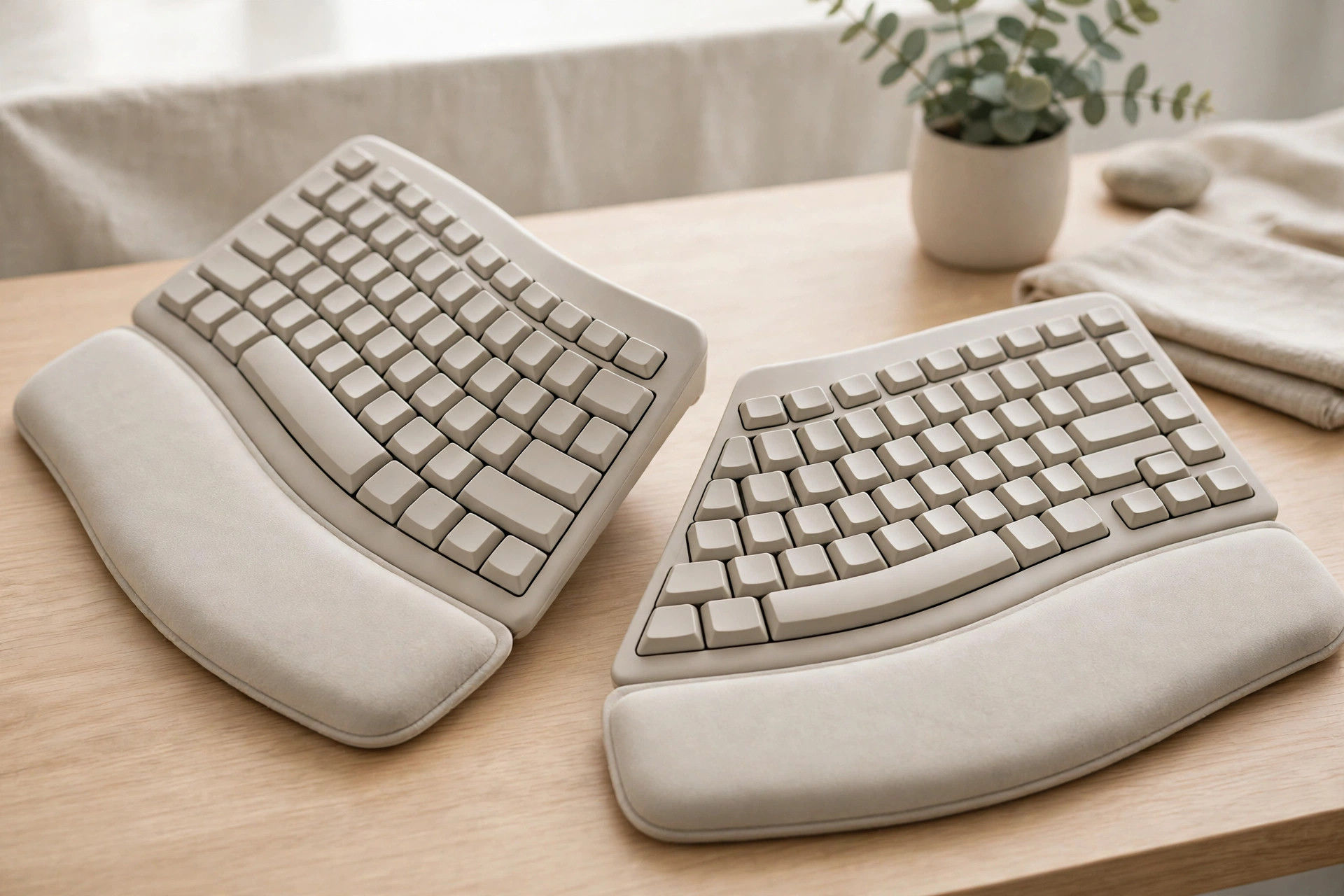
An ergonomic keyboard is shaped to fit the natural position of your hands and wrists rather than forcing your hands to fit a flat rectangle. Common designs split the board down the middle and angle the halves, or curve it, or add a raised wrist rest, to reduce strain during long sessions. For people with wrist or shoulder discomfort, the difference can be significant. They take a few days to get used to, but if you type all day for a living, they are worth a look.
Wireless keyboards
Wireless is not a separate key mechanism — a wireless keyboard can be membrane, mechanical, or scissor-switch underneath. The difference is the connection: instead of a cable, it talks to the computer over Bluetooth or a small USB receiver. The appeal is a tidier desk and the freedom to use it with a tablet or television.
| Type | Feel | Noise | Best for |
|---|---|---|---|
| Membrane | Soft, quiet press | Low | Everyday use, offices |
| Mechanical | Crisp, distinct click or bump | Medium to high | Long sessions, gaming |
| Scissor-switch | Firm, short, stable press | Low | Laptops, quiet rooms |
| Virtual / on-screen | Flat glass, no key travel | Silent | Phones, tablets |
| Ergonomic | Varies, split or curved layout | Varies | Comfort, wrist strain |
| Wireless | Depends on the switch inside | Depends on the switch inside | Tidy desks, tablets |
How to Choose a Keyboard
Buying a keyboard is one of those purchases where the specifications matter less than the feel, and the feel is something you can only judge with your own hands.
Start with what you actually do. If you write for hours, comfort and key feel matter most, and a mechanical or ergonomic keyboard is worth the extra money. If you mostly browse, answer emails, and type short messages, a basic membrane keyboard will do the job well. If you play games, look for one that registers many keys at once. If you work in a shared room, a quiet membrane or scissor-switch board will keep the peace better than a clicky one.
Next, think about size. A full-size keyboard with a number pad is handy if you enter a lot of numbers, but it pushes your mouse further right, which can strain your shoulder. A compact keyboard without the number pad — often called tenkeyless — keeps your hands closer together.
Then consider the connection. A wired keyboard never needs charging and never drops its connection, which is why many people still prefer one for a desktop. A wireless keyboard keeps the desk tidy and works with more devices, but it needs batteries or charging.
Finally, if you can, try before you buy. Your hands will touch a keyboard thousands of times a day, and a five-minute test in a shop tells you more than any review. Press the keys, type a sentence, and notice whether they feel too stiff, too soft, or too loud.
How to Avoid Typing Mistakes Like “Kibard“
Typing errors are not a character flaw; they are a predictable result of speed, small screens, and a layout designed for typewriters, not thumbs. A few habits cut them down.
Slow down slightly on the words you always misspell. Most people have a handful of words they get wrong again and again — keyboard is one of them for a lot of people. Give a tricky word an extra half-second; that pause is usually enough for your fingers to find the missing letter.
Learn to touch type, or at least keep your fingers on the home row — the middle row of letter keys, where your fingers rest and from which every other key is reached. When your fingers know where home is, they can find the “o” in keyboard without looking. Accuracy comes first; speed follows.
On a phone, use the word suggestions above the keyboard instead of fighting the touchscreen — accepting a suggestion is faster than retyping a word. And proofread the search box before you press enter. Most typos survive because nobody looks at them; a one-second glance catches kibard.
Looking After Your Keyboard
A keyboard is durable, but it is also one of the dirtiest objects on most desks. Crumbs, dust, hair, and skin oils collect between the keys and can make them sticky or unresponsive. A few minutes of care every month keeps it working well.
Unplug it, turn it upside down, and shake it gently over a bin. Compressed air blown between the keys clears out what shaking misses. Wipe the keys with a slightly damp cloth — not wet — and dry them straight away. Never pour water or cleaning liquid onto a keyboard.
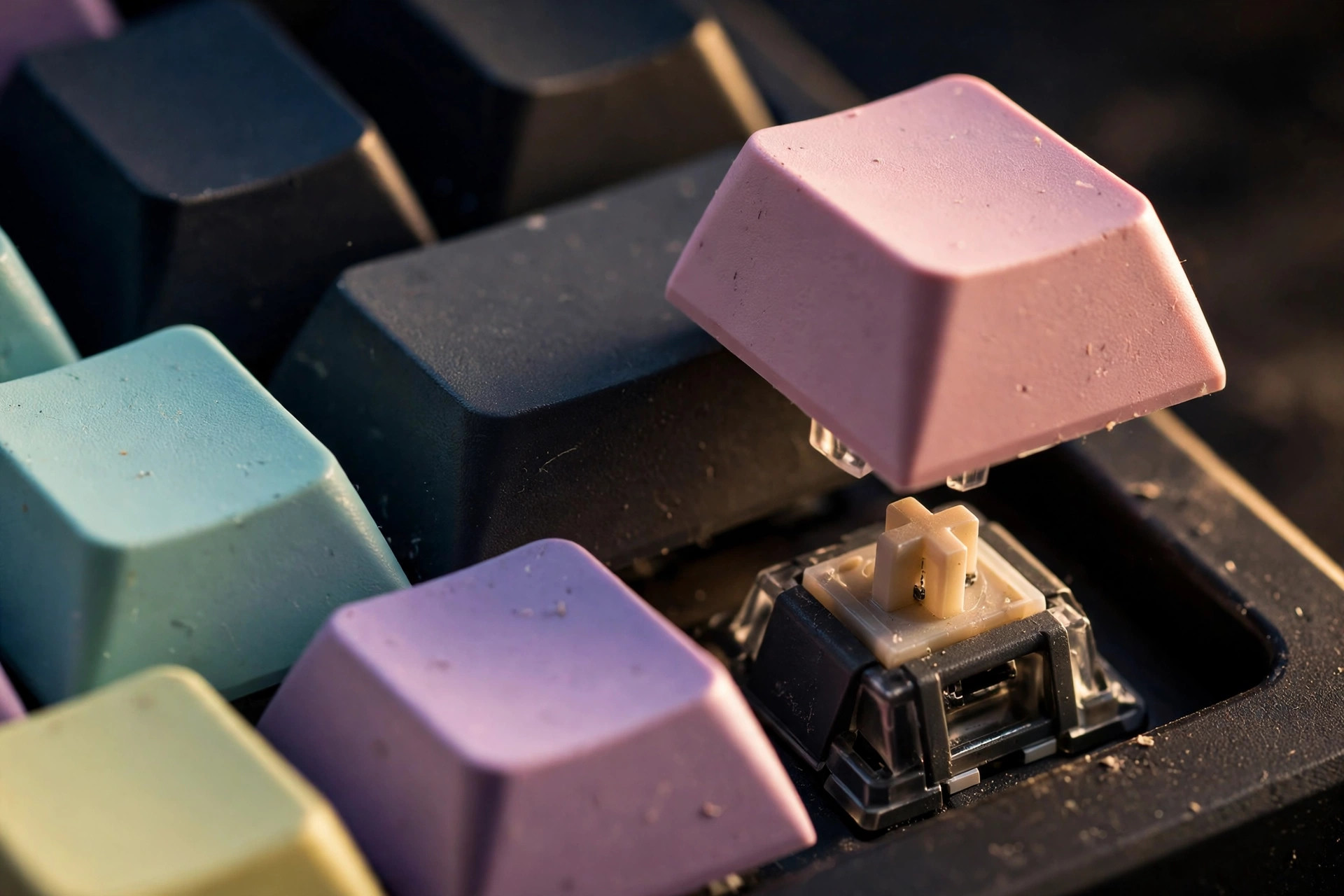
If a single key stops working, check whether something is stuck underneath it before assuming the keyboard is broken. On many desktop keyboards, the keycap can be gently lifted off, the area cleaned, and the cap pressed back on. Laptop keys are more delicate, so if you are unsure, get help.
Spills are the real enemy. If a drink goes across a keyboard, unplug it immediately, turn it upside down, and let it dry completely — a day or more, not an hour — before plugging it in again. Many keyboards survive a water spill if they are dried properly and not powered while wet. Sugary drinks are worse, because the sugar leaves a sticky residue behind.
Keyboards and Accessibility
For some people, a standard keyboard is not just uncomfortable; it is unusable. That is worth remembering, because the keyboard is the main way most of us talk to a computer.
On-screen keyboards with large keys, high-contrast layouts, and word prediction help people with limited hand movement or low vision. Sticky keys — built into most operating systems — lets you press modifier keys like Shift, Ctrl, and Alt one at a time instead of holding them down together. Voice dictation lets people write without a keyboard at all — and it is also the tool that produces a fair share of “kibard” style errors, which brings us neatly full circle.
One-handed keyboards and keyboards with large-print keycaps are sold by ordinary retailers. If a standard keyboard does not work for you or someone in your family, the options are better than they have ever been.
A Word of Caution About “Kibard” Apps
One claim needs addressing directly, because it can cost a reader time, money, or privacy. Some web pages describe “kibard” as an AI keyboard app — a smart keyboard for your phone, with predictions, themes, and extra features. The pages making this claim give no developer name, no version number, and no link to a specific app store listing. A search of the Google Play store turns up no app named kibard.
That does not prove no app by that name exists anywhere — small apps come and go, and names get reused. But the claim is unverified, and an unverified claim about an app for your phone — a device that holds your messages, your passwords, and your bank details — deserves caution. A keyboard app, by its nature, sees everything you type. That is a lot of trust to place in a program whose developer you cannot identify.
If you come across an app calling itself kibard, or any unfamiliar keyboard app, check a few things first: the developer’s name and a real website, the privacy policy and what the app collects, and the reviews — be wary if there are very few or they all sound the same. If anything about the listing feels thin or evasive, do not install it. Your phone already came with a keyboard.
The same caution applies to the other invented meanings of kibard floating around online — an ancient craft of blade-forging, a cybersecurity threat, a slang term for a personality type, a design philosophy. None of them comes with evidence: no sources, no history, no examples. Kibard means none of them. It is a typo for keyboard, and the sooner that is said plainly, the sooner the reader gets something useful.
The Keyboard Is Not Going Anywhere
Voice control gets better every year, touchscreens get bigger, and every few years someone announces that the keyboard is finished. It never is. Typing remains the fastest, most precise, and most private way to put words into a machine, and the keyboard has survived every attempt to replace it for a simple reason: it works.
So the next time your fingers produce “kibard”, do not worry about it. Your fingers were reaching for the right word and missed a letter on the way. Now you know what the word is, why it gets misspelled, and how to choose one that suits you.
FAQs
What does kibard mean?
Kibard has no established meaning. It is not a dictionary word, and it is not the name of a known product, company, or technology. In almost every case, it is a misspelling of “keyboard” — usually from typing too fast, spelling it by sound, or a voice-to-text error.
Is kibard a real keyboard app?
There is no verified evidence of a real app called kibard. Some web pages describe it as an AI keyboard app, but they give no developer name, no version number, and no link to a specific listing, and a search of the Google Play store found no app by that name. Treat the claim as unverified — a keyboard app can see everything you type, so check the developer, privacy policy, and reviews first.
Why do I keep typing kibard instead of keyboard?
Usually because of speed and the shape of the word. The “eybo” in the middle of keyboard asks your fingers to move between rows quickly, and the “o” is easy to drop when you are typing fast. Small phone screens make it worse. Slowing down slightly on that one word usually fixes it.
Which type of keyboard is best for everyday use?
For most people, a basic membrane keyboard or the scissor-switch keyboard built into a laptop is perfectly good for everyday use — browsing, email, and short documents. If you type for hours a day, a mechanical or ergonomic keyboard is worth trying.
How do I clean my keyboard safely?
Unplug it first, then turn it upside down and shake it gently over a bin. Use compressed air between the keys to clear dust, and wipe the keys with a slightly damp cloth, drying them straight away. Never pour water or cleaning liquid onto a keyboard. If you spill a drink on it, unplug it immediately and let it dry for at least a day.









Leave a Reply